From Requirements to Clickable Prototype: See Your Product Before You Build It
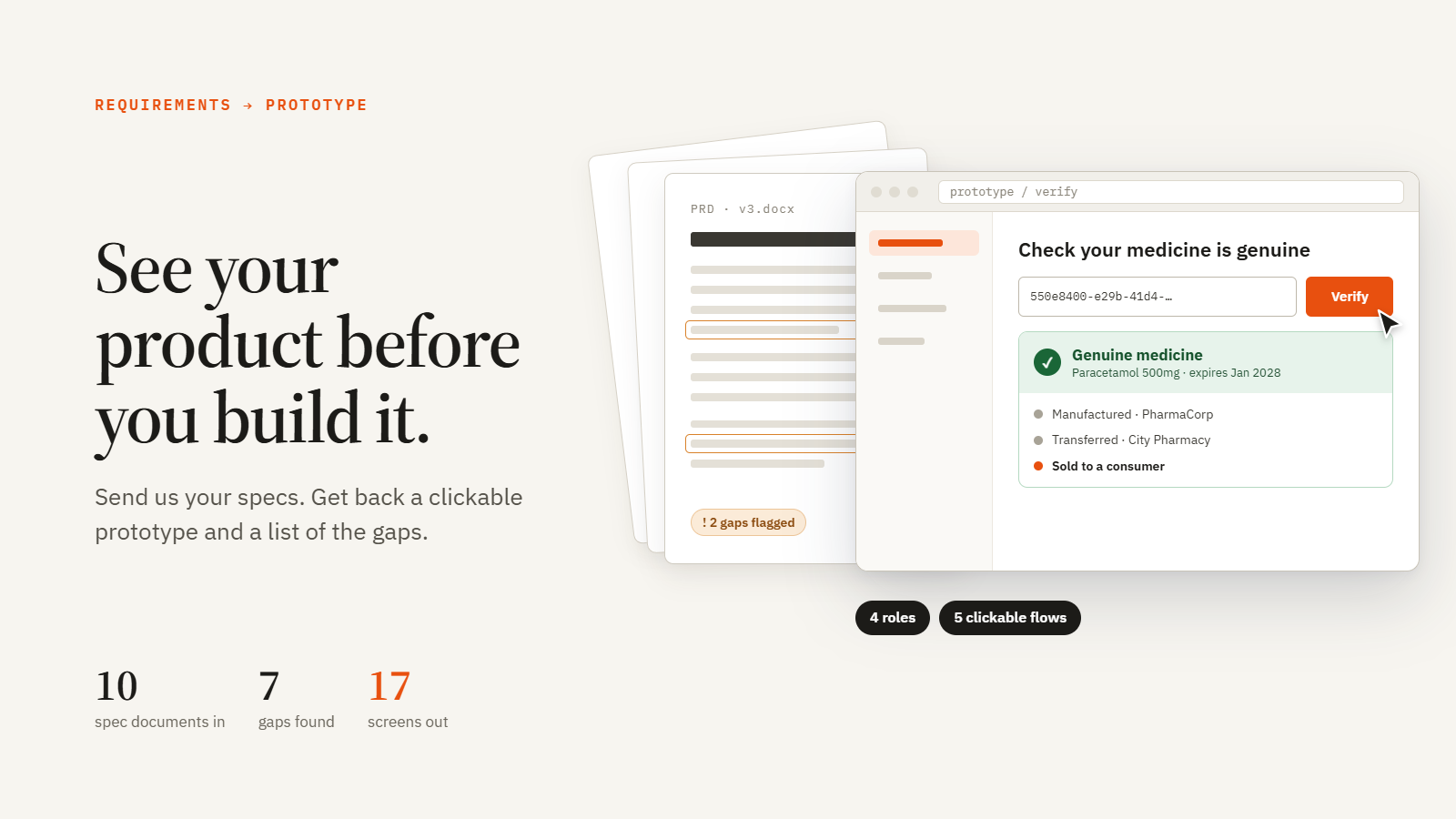
Ten pages of specs are hard to picture. One clickable screen is not. We turn your requirements documents into a UI prototype you can click through, so you see your product, and its gaps, before you pay to build it.
How we work
Five steps, each with something you can hold. AI (Claude Code and Claude Design) does the heavy reading and the first draft. Our team makes the calls that need judgement.
-
01Read your documentsPRD, specs, data model, wireframes, notesProduct summaryOne page everyone agrees on
-
02Find gaps and conflictsEach issue comes with a proposed fixIssue list with fixesDecide on paper, not in code
-
03Write the UI design briefRoles, screens, site map, states, messagesUI design briefUsable by any design team
-
04Build the clickable prototypeAI drafts it; our designers refine itClickable prototypeDemo it to users and investors
-
05You click, comment, approveThen we quote and plan developmentFixed scope and quotePay only for what you validated
Why it saves you money
- Cheap fixes
- A change caught in the prototype is a sentence in a doc. Caught after launch, it is database, API, UI and testing work.
- No guesswork
- Developers build what you approved, not what they assumed.
- Accurate quotes
- A clear scope means fewer surprises on the invoice.
Example: a medicine supply chain app
spec documents for a regulator, manufacturer, pharmacy and public portal
e.g. a timeline of “11 weeks” that added up to 26, and a public page that could expose buyers’ data
UI brief: 4 roles, site map, status system. Prototype: 5 clickable flows with sample data.
Four roles, one register
- Government · National Drug AdministrationRegisters drug types, issues, extends and revokes licenses, onboards companies, reads the full audit log.
- Manufacturer · PharmaCorpCreates batches of coded units under a valid license and transfers them to pharmacies.
- Pharmacy · City PharmacySees stock and expiry warnings, receives transfers, records each sale to a citizen.
- Public · CitizenEnters the code on the box to check the medicine is genuine. No sign-in, no buyer data shown.
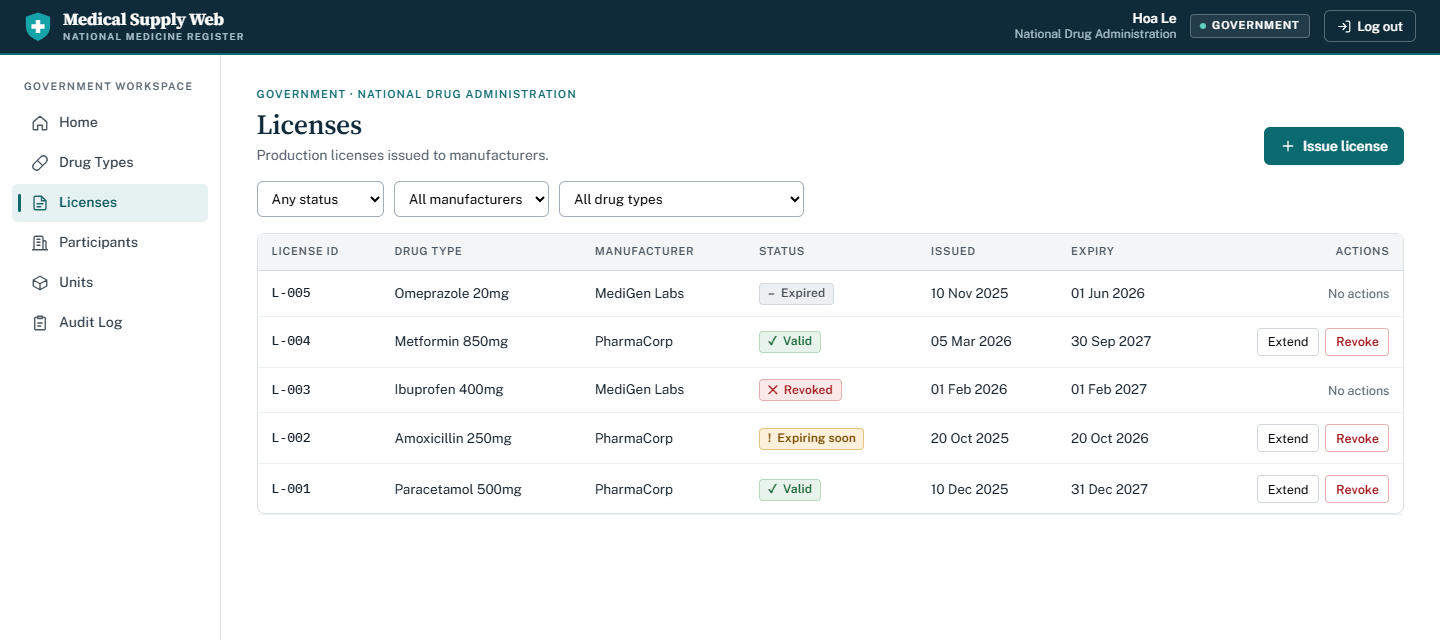
Click through the prototype yourself
Switch between all four roles and follow a medicine from license to sale to public check. Sample data only.
demo1234